
quickly find your missing iPhone (or other Apple device)
Requirement
brew install node
Config
- login icloud web
- copy some value to alfred-envvironment[clientBuildNumber,clientId,dsid,cookie]
- set your iCloud apple_id and password(for auto login)
Logging in for the first time is troublesome, but after that, it will automatically log in and update the cookie.
Thanks


quickly find your missing iPhone (or other Apple device)
just input findmy
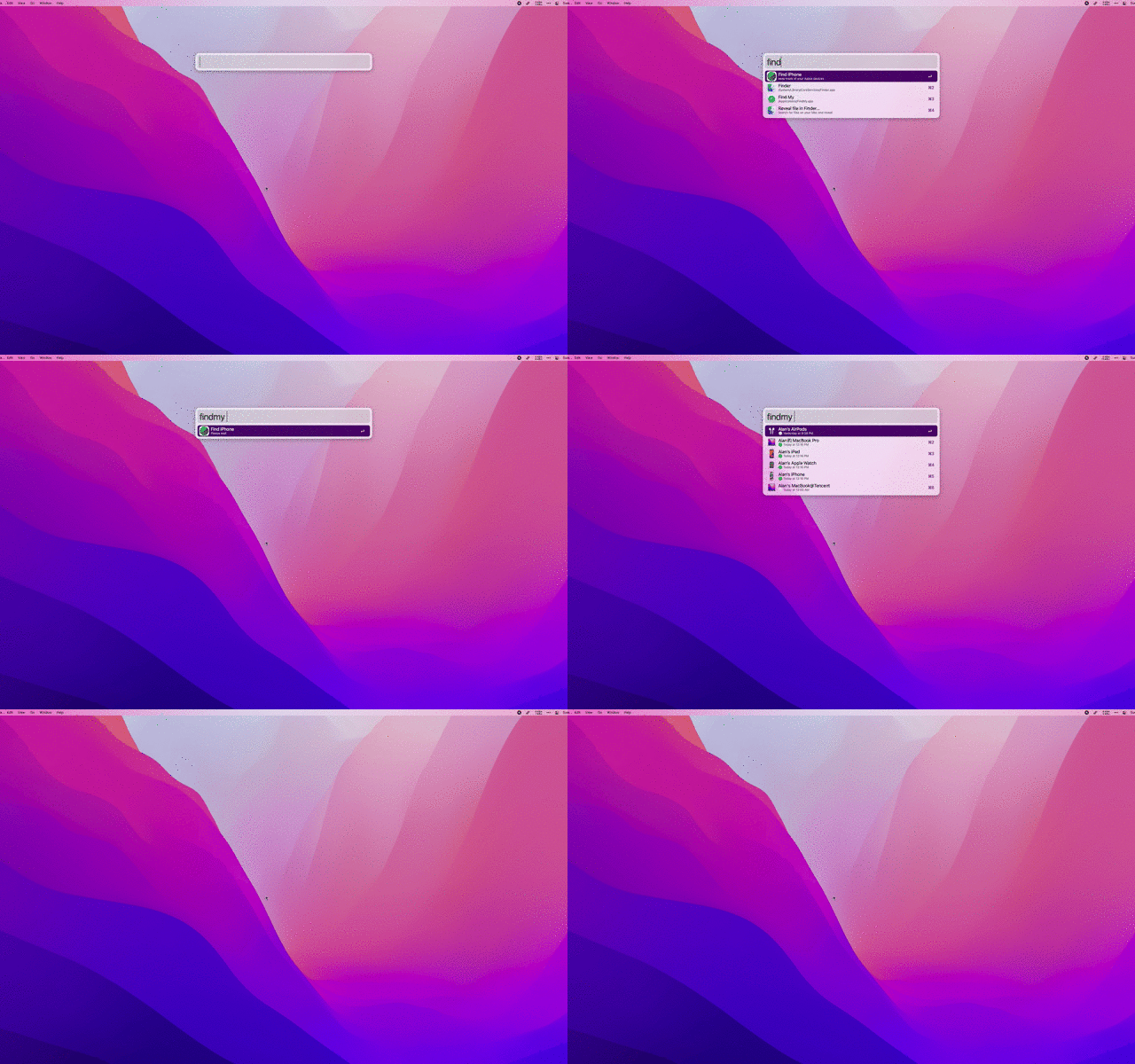
- ⌥ ⏎ Send alert
- ⌘ ⏎ view iCloud Web
Requirement
brew install node
Config
- login icloud web
- copy some cookie to alfred-environment
- set your iCloud apple_id and password(for auto login)
Thanks
Support Monterey 12