Whistle
Quick Switching and Selecting Proxy Rules
Requirement
- brew install whistle
Usage
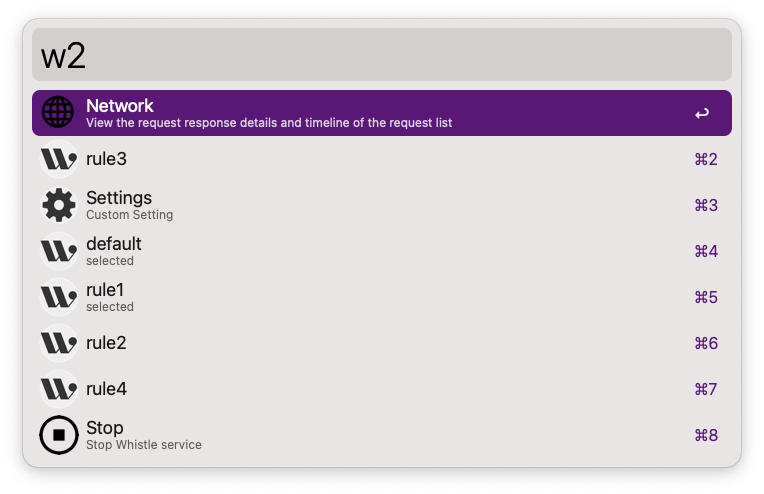
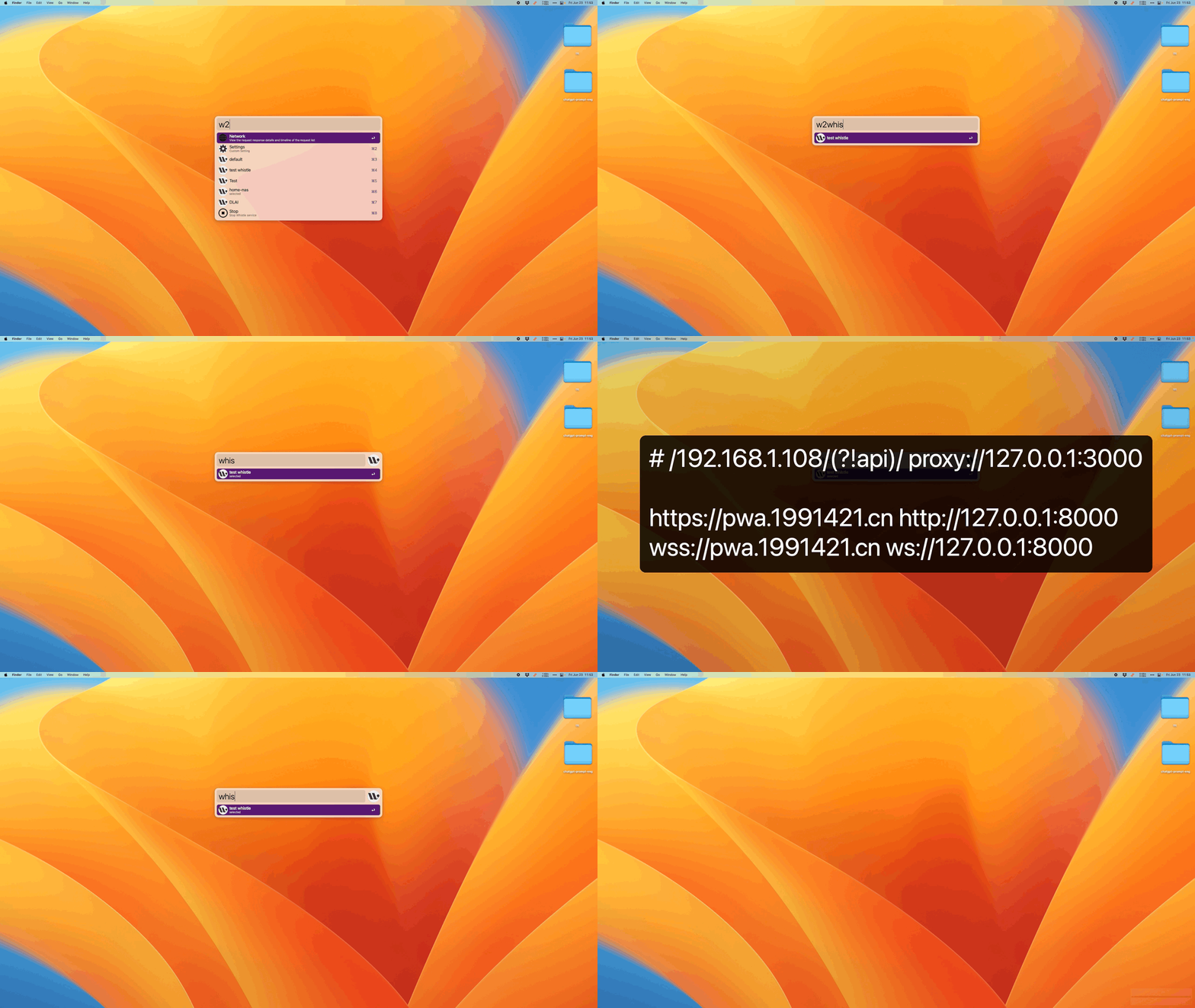
Type w2 to trigger.
⌥ ⏎Access the WEB management page.⏎Toggle the rule selection status.⌘ ⏎Preview the rule.⌘ CCopy the specific configuration of the current rule.- Enter keywords to filter dropdown options, supports Chinese Pinyin search.
- Partial settings [Multiple rule selection [x], Version update check].
- Enter the keyword
selectedto filter rules that match.
Config
If you need SOCKS proxy, configure SOCKS_PORT.


Whistle Official Doc
Screenshots