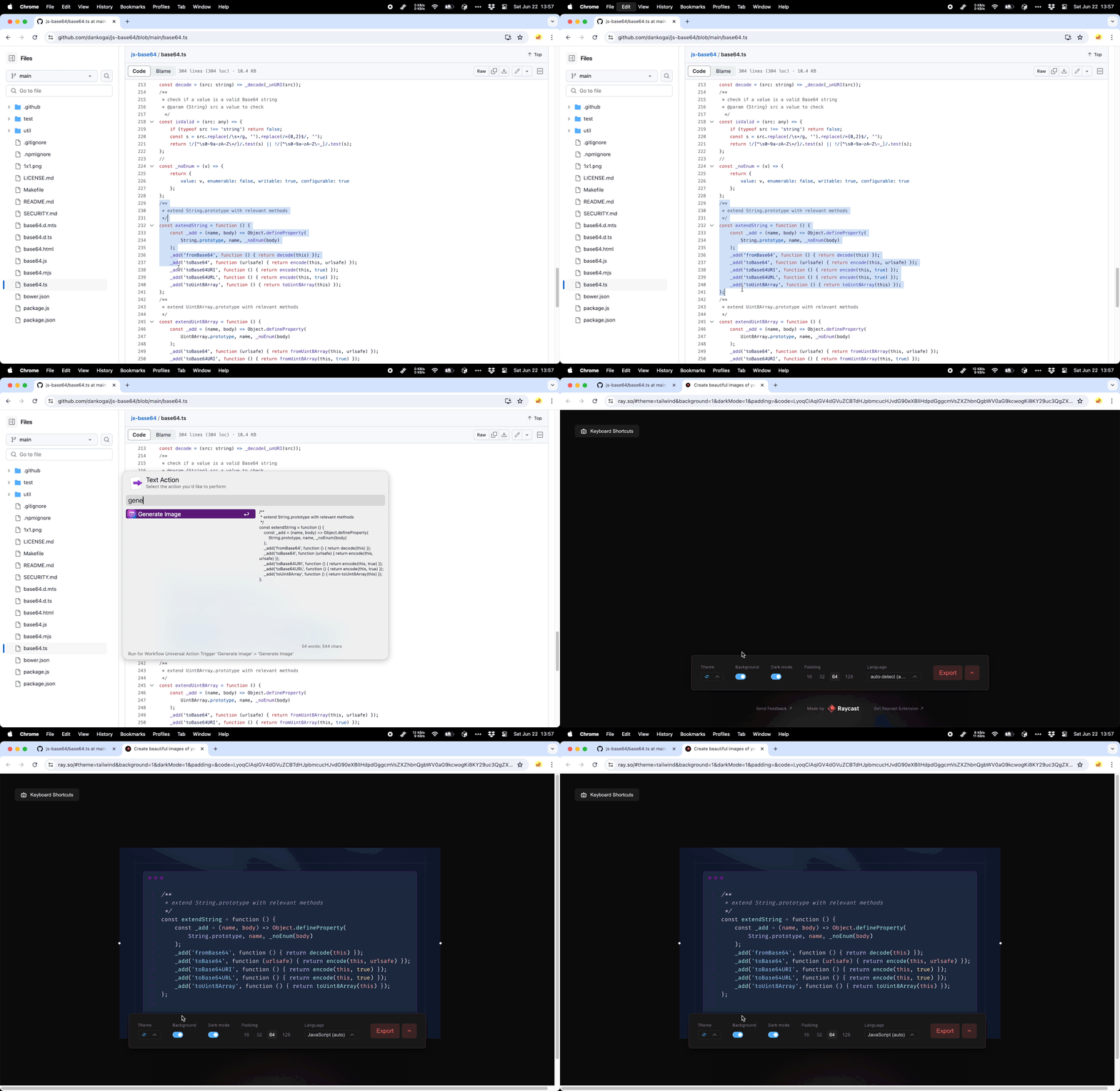
Create beautiful images of your code. Rewritten with reference to the official Raycast plugin.
Setup
You can configure the theme, background, etc. of the generated images in the workflow configuration or simply use the default.
Usage
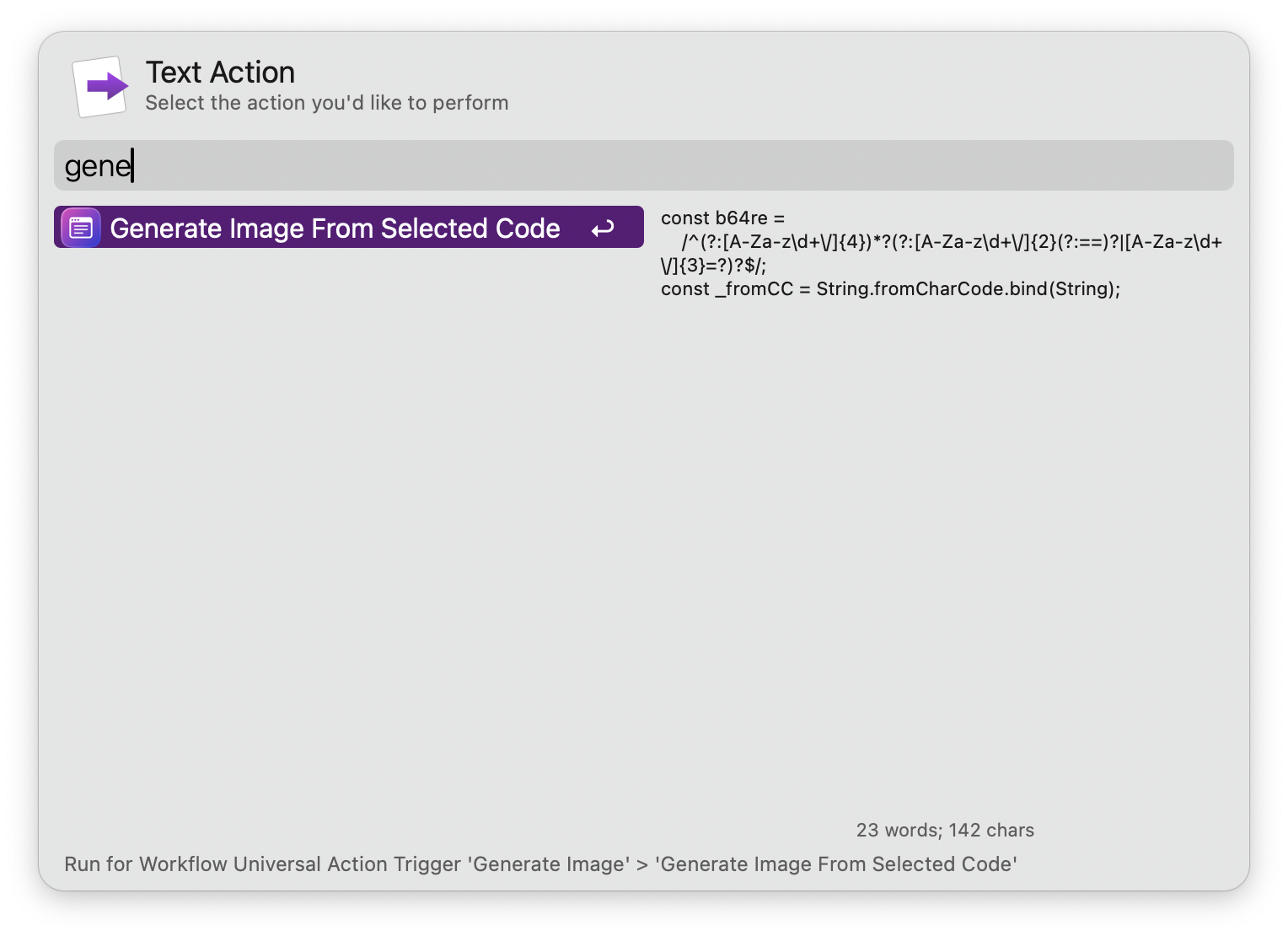
- Select some code and trigger universal action named
Generate Image From Selected Code. - Modify the configuration on the opened ray.so page and click export.
Reference
https://github.com/raycast/extensions/tree/main/extensions/ray-so


Screenshots